This article is also available in 中文 .
📹 Prologue: From Mainframes to Large Models
More Than Sixty Years
One morning in the mid-1960s, at an IBM data center in New York.
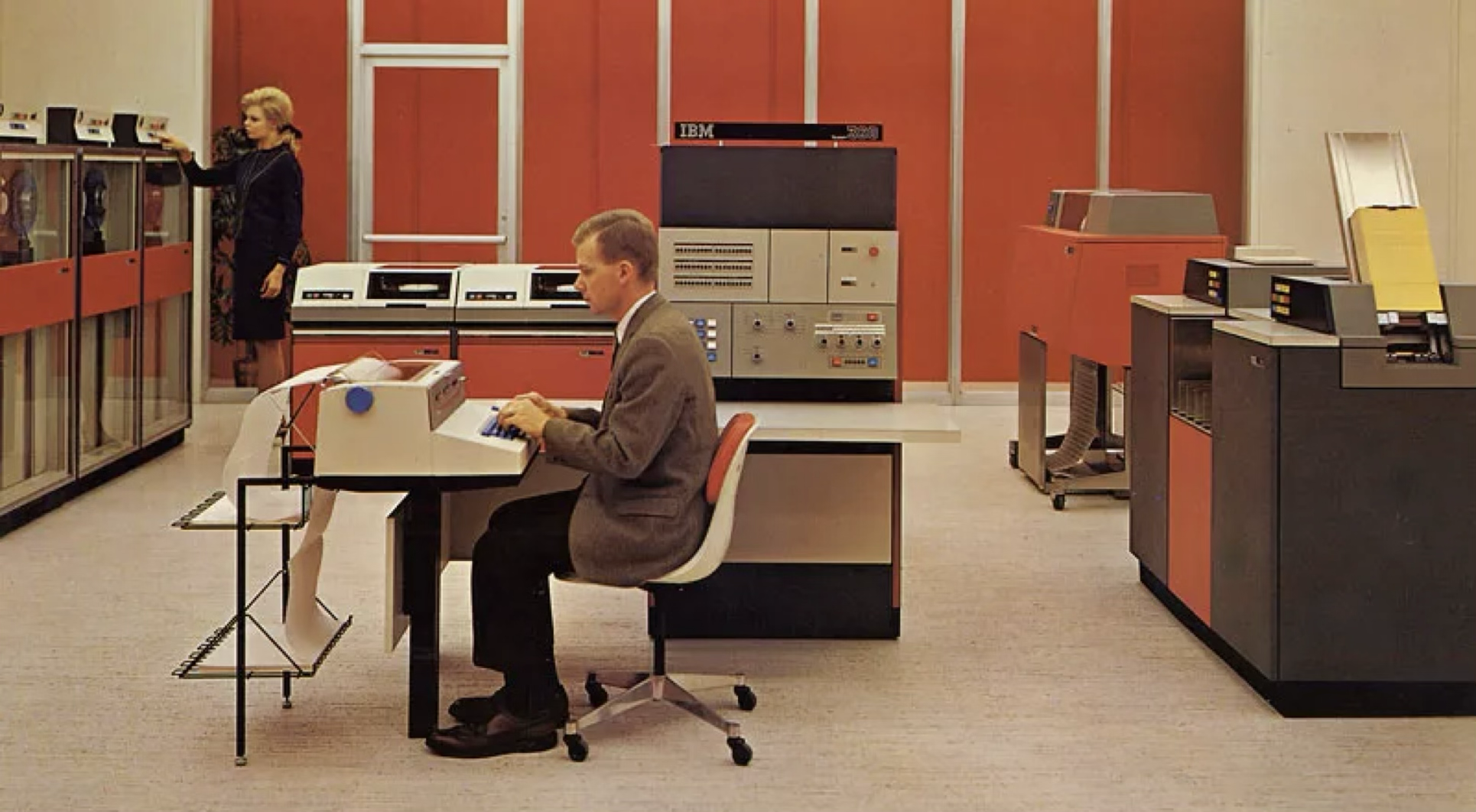
Jenny walks into the office and sits at her station. In front of her is an IBM 2741 terminal—a Selectric typewriter built into a desk, connected by telephone line to an IBM System/360 Model 50 occupying a row of cabinets in the machine room next door.
She is an Operator.
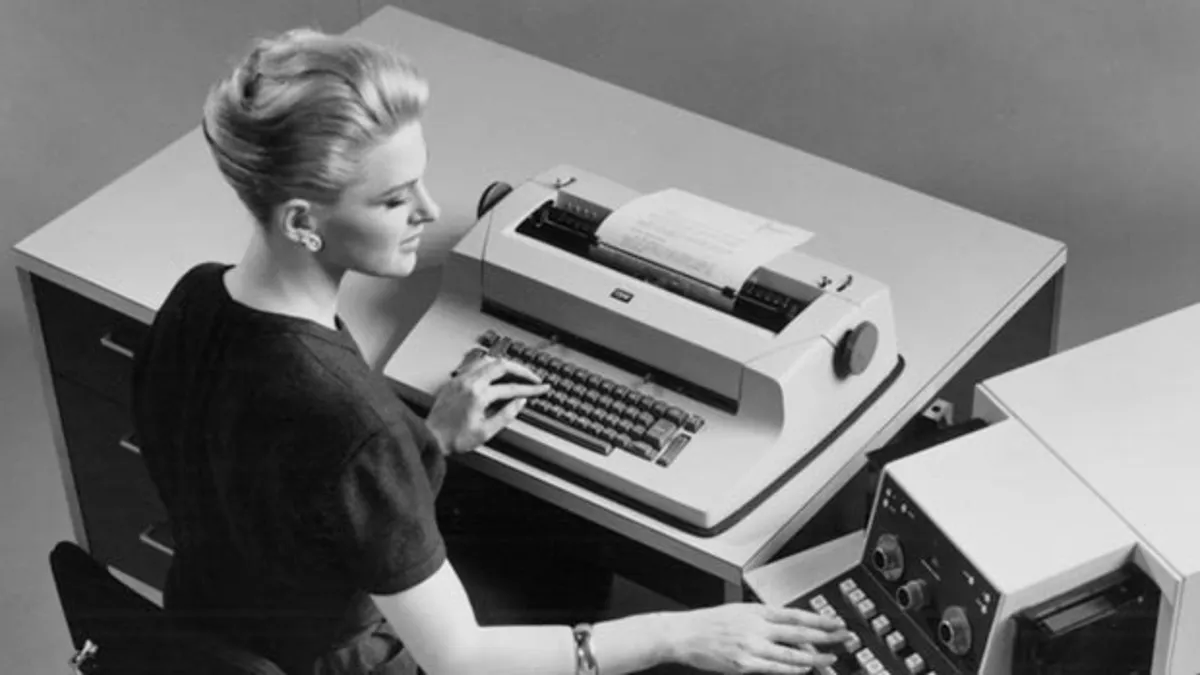
She dials the modem from memory and types the LOGON command, connecting to a remote time-sharing system. At fourteen characters per second, the system “prints” a welcome message onto paper.
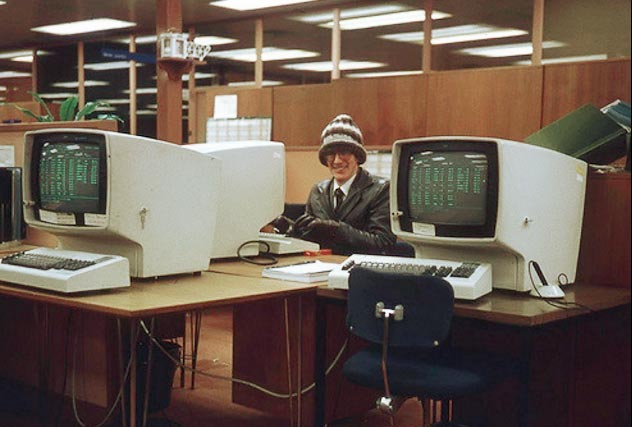
She begins work: opens a COBOL source file with EDIT, changes a few lines, then uses SUBMIT to launch a batch job. While waiting, she presses ATTN to interrupt the current output and switches to check another job.
She does not need to understand how System/360 microcode executes an instruction. She only needs to know that the right command produces the right result. The intelligence is at one end; she is at the other. Between them are a telephone line and a terminal.
More than sixty years later, you open a MacBook, launch a terminal, and type
claude.
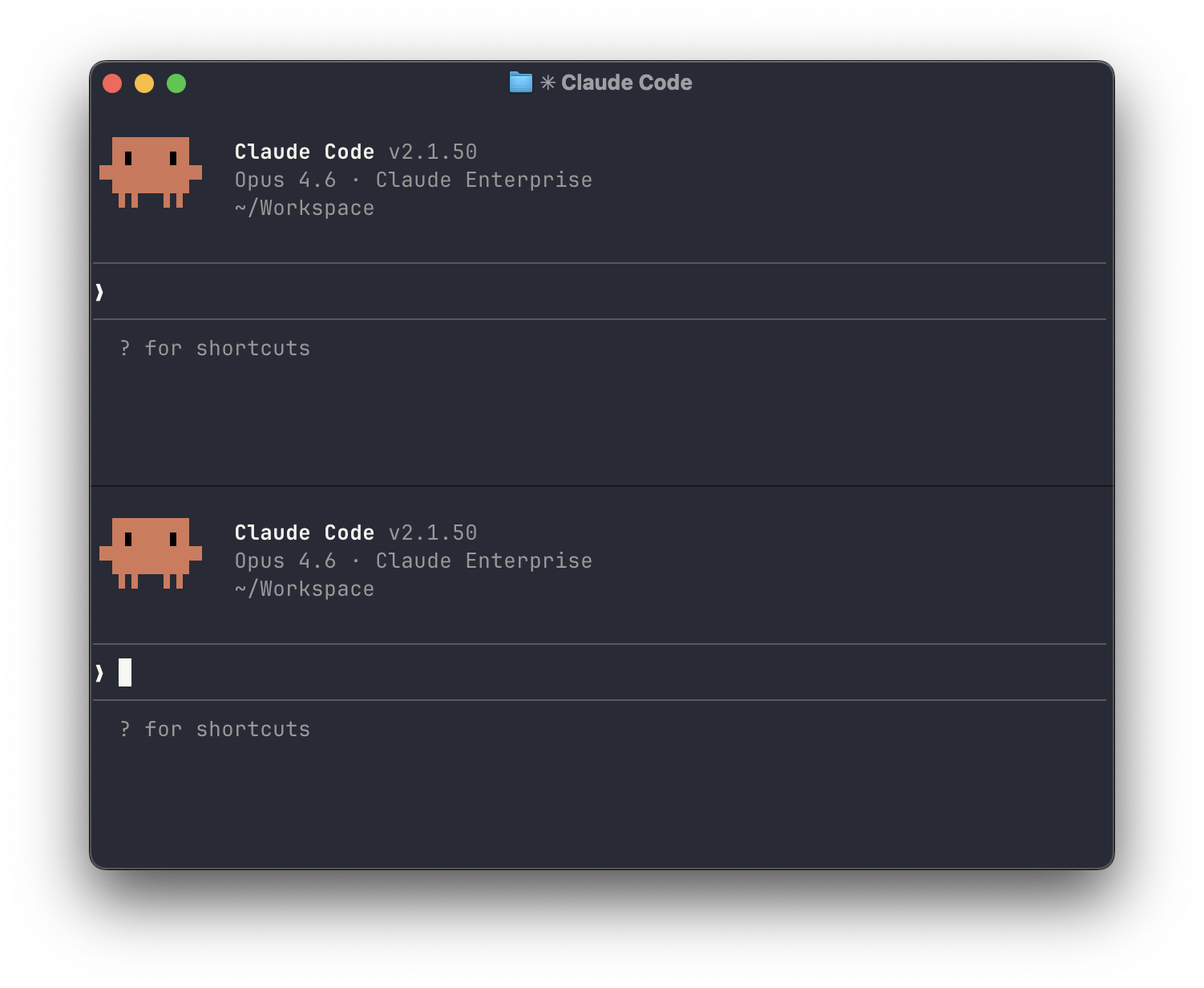
A connection is established—through the internet, to a cluster made of thousands of GPUs in a data center.
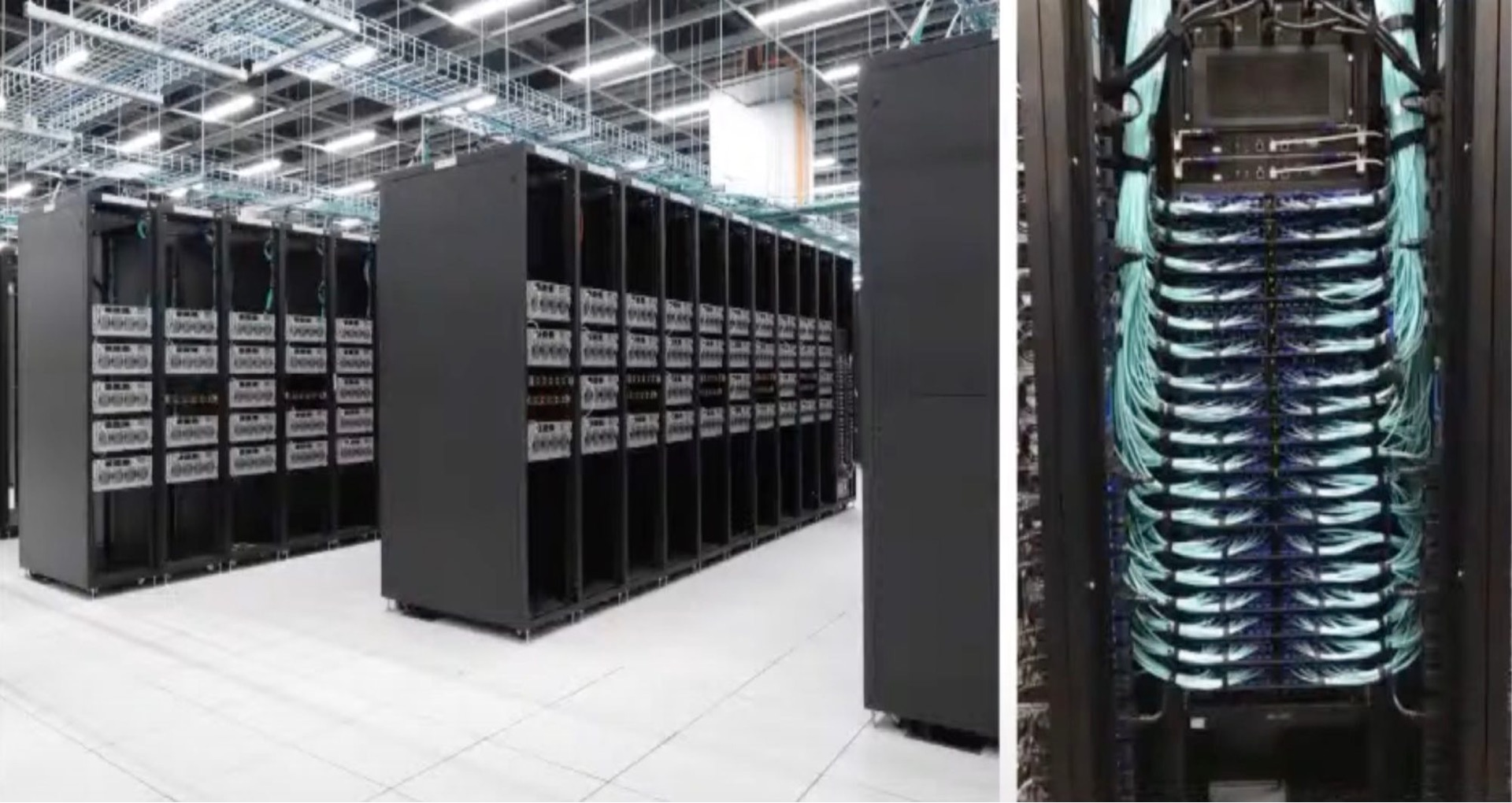
You begin work: describe a bug in natural language, and Claude Code searches the repository, locates the problem, edits files, and runs tests. While it works, you press Esc to interrupt it and ask it to try another direction.
You do not need to understand how attention is computed inside a Transformer. You only need to express the intent clearly and let the Agent produce a result. The intelligence is at one end; you are at the other. Between you are a network cable and a terminal.
Jenny and you are doing the same job: using a terminal to operate remote “intelligence.”
These are two implementations of the same architectural pattern. In the first, the remote resource is centralized computation—the mainframe. In the second, it is centralized intelligence—the large model.
More than sixty years separate the two implementations.
Why Is It the Same Architecture?
The terminal–host separation of the mainframe era and today’s terminal–model separation follow the same economic principle:
Core resources are expensive, so they tend to be centralized and shared.
-
In the 1960s, mainframes were expensive to buy and operate. An institution deployed one system and shared it among many people.
-
Today, frontier models remain expensive to train and serve. A small number of organizations build them centrally, and millions of people share them over networks.
A terminal lets an individual access a centralized resource at relatively low cost. In the 1960s, that meant an IBM 2741 plus a telephone line. Today, it means Terminal.app plus the internet.
Claude Code’s Advantage
Claude Code arrived as a research preview in 2025. Its strength rests on more than sixty years of accumulated technology.
1964—1989
Terminals and Shells
System/360 · Unix · Shell · Bash
Text commands, pipes, and time-sharing established the core interaction model.
Phase 11991—2013
Developer Toolchain
Linux / Python · Git · Node.js / npm · Docker
Versions, dependencies, and runtime environments became programmable infrastructure.
Phase 22016—2025
Agents Arrive
ripgrep / fd · Claude Code
Coding agents entered development workflows through existing CLI interfaces.
Phase 3Claude Code directly reuses the CLI ecosystem that people have built over those decades.
-
Code search: ripgrep
-
Dependency installation: npm/pip
-
Version control: git
-
General operations: Bash
Claude Code chose the mature terminal interaction model. Behind that terminal already stood more than sixty years of tools, protocols, and ecosystems.
Mainframe + Terminal → Large Model + Terminal
IBM SYSTEM/360
central compute · batch / time-sharing
IBM 2741
enter commands · print output
OPERATOR
exact syntax
FRONTIER MODEL
central inference · generation / tool choice
CLAUDE CODE
express intent · coordinate tools
OPERATOR
natural language
The architectures are similar:
-
Core capability is centralized remotely—the host or cloud model—while the local terminal stays lightweight.
-
A person controls the system through text instructions, taking the role of an Operator.
-
The 1960s Operator needed exact syntax; today’s Operator uses natural language.
-
In both cases, a human remains in the loop to express intent and verify results.
Why the Terminal?
Claude Code’s use of the terminal follows from several factors:
-
Compatibility: More than sixty years of CLI tools can be reused at low cost. Git, npm, and Docker connect directly.
-
Information density: Text is the LLM’s native medium, and the terminal is a direct human–machine channel.
-
Programmability: Pipes, scripts, and automation naturally support Agent workflows.
-
Security: File-system and process isolation plus sandboxing make permissions easier to control than in a GUI.
GUIs are designed for human eyes; terminals are designed for machines—and for people who understand machines. When the “operator” becomes AI, the terminal’s text interface and tool ecosystem become a particularly good fit.
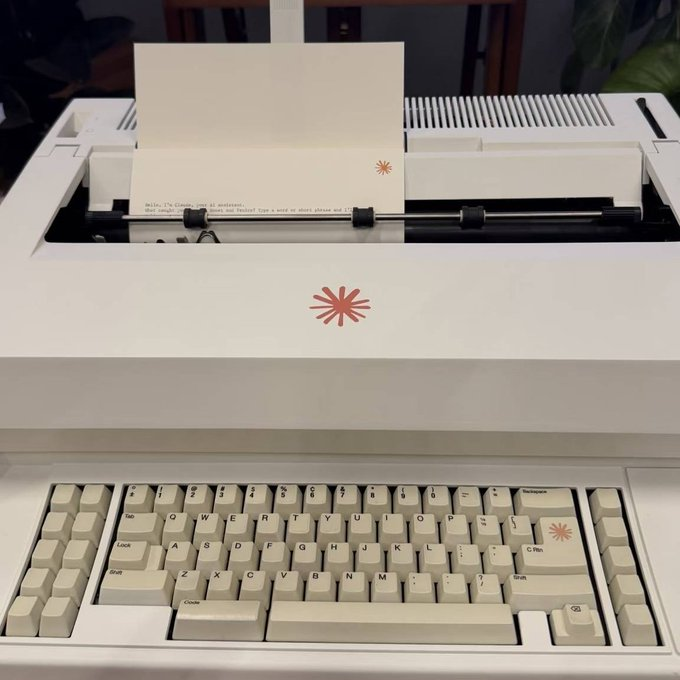

👋 Chapter Two: “Hi”
Reading session…
🧑⚕️ Chapter Three: A Doctor Is STATELESS
Imagine visiting a doctor who looks at you blankly every time you enter the room: “Hello. What seems to be the problem?”
“Doctor, I was here last time.”
“Sorry, I don’t remember. But you can show me your medical record.”
So you take out a thick folder containing every symptom you described, every diagnosis, and every prescription. The doctor starts at page one, reads to the end, and says, “Understood. Let’s continue.”
The next visit follows the same routine. You hand over the folder—now a few pages thicker—and the doctor reads it from the beginning again.
This is how a large language model works.
When we talk to Claude, it feels as if it “remembers” earlier messages and sustains a conversation like an assistant with memory. The mechanism is different: the model itself is stateless. It has no memory and no session. Every invocation is a new, independent request. To create a multi-turn conversation, the client packages the previous history into every request so that the model can “read” it again before responding.
Claude Code uses the same mechanism.
That may sound like an implementation detail, but it directly shapes the experience. Why do long conversations get slower? Why does Claude sometimes seem to “forget” something from earlier? Why does token usage rise sharply as a conversation continues? All of these effects follow from context replay.
Reading session…
🩻 Chapter Four: Subagents and CT Scans
The attending physician—the main model—sees the patient in the consulting room and retains the full history and conversation.
The patient says, “I’ve been having headaches.”
The attending physician usually writes an examination order and sends the patient to radiology:
mainMessages[]
Attending physician / Main Agent
subMessages[]
Radiology / Explore Agent
Tool calls and intermediate output stay on the right; main context receives only the report
Just as twenty CT images are not pasted into the attending physician’s record, the physician receives only the final one-page report. The record—the main context—stays relatively compact and controlled.
Reading session…
🐎 Chapter Five: Agents, Agent Orchestration, and Harness Engineering
Agent Orchestration in Claude Code
Context assembly
Inputs assembled for each request
Agent loop
Driven by stop_reason
Extensions
Subagent · Plan Mode · Skills · Tasks
Persistence / optimization
Cache · Compaction · Memory · Security
Agent orchestration is the control logic that decides who does what, and when.
An Agent is an LLM plus tools plus a loop. Once multiple Agents, tools, and stages are involved, another layer is needed to coordinate them. That command layer is orchestration.
Claude Code already contains several orchestration modes:
Single-Agent orchestration: The Agent Loop is itself a form of orchestration. stop_reason determines whether the loop continues or ends, while the model decides which tool to call. The orchestration logic is the while(true) plus if (stop_reason === "tool_use").
Main–subagent orchestration: The main model decides when to dispatch a subagent, what assignment to give it, and how to synthesize the result. The logic lives in the main model’s Agent Loop, where a Task tool_use starts the subagent.
Pipeline orchestration with Skills: requirement-specification → tech-design → implement → code-review → commit. Each stage has a different prompt and tool set, and the stages run in sequence. The orchestration logic lives in the Skill definitions and trigger rules.
Plan Mode orchestration: EnterPlanMode → explore → design a plan → ExitPlanMode → user approval → execute. This is a state machine: the planning state can read but cannot write, and only an approved plan transitions to execution.
Agent orchestration is the control layer above the Agent Loop. It determines scheduling, data flow, and state management across multiple Agents, tools, and stages.
Single Agent
model-controlledMain / Subagent
main-model controlledPipeline
workflow-controlledPlan Mode
state machine + humanThe Agent is the doctor; orchestration is the hospital’s triage and consultation system. It decides who sees the patient first, when to refer, when to convene a consultation, and who compiles the conclusion.
Workflows and Agents
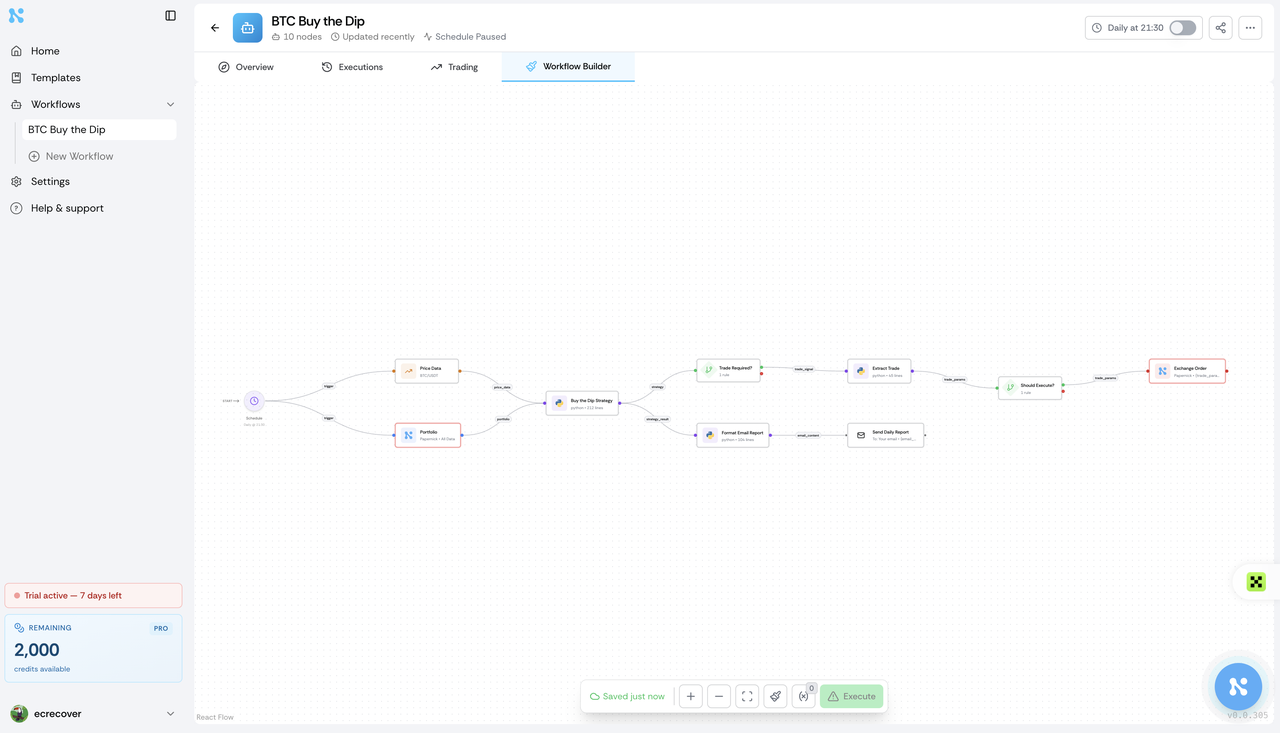
The main distinction is who makes the decisions.
Nodes and branches are fixed before runtime.
MODEL
decide
TOOL
execute
RESULT
append
Results return to messages; the model chooses the next step.
Fixed Workflow: a person defines every step in advance.
What each step does, where it goes next, and which branch it takes are all encoded in if/else logic. The LLM executes individual steps but does not determine the route.
# Fixed workflow
result1 = call_llm("extract user intent", user_input)
result2 = call_llm("generate SQL", result1)
result3 = execute_sql(result2)
result4 = call_llm("translate the result into natural language", result3)
return result4
The developer chooses the operations, order, and tools while writing the program. They do not change at runtime.
Agent Loop: the LLM decides each step.
In every iteration, the model decides whether to call a tool, which tool to call, what parameters to pass, whether the result is sufficient, and whether to continue. The route emerges at runtime.
# Agent Loop pseudocode
while True:
    response = call_llm(messages, tools)
    if response.stop_reason == "tool_use":
        result = execute_tool(response.tool)
        messages.append(result)  # The model decides how to use this result next
    else:
        return response.text
The same task may take three steps on one run and ten on another. The path is not fixed.
The hospital analogy:
| Fixed Workflow | Agent Loop | |
|---|---|---|
| Analogy | Standard health-screening package | An attending physician’s consultation |
| Process | Blood test → chest X-ray → ECG → ultrasound → report | Hear symptoms → choose an examination → read the result → choose the next step |
| Decision-maker | Package designer—the developer | Doctor—the LLM |
| Flexibility | Everyone follows the same process | Each patient may follow a different diagnostic path |
| Predictability | High and deterministic | Lower, but able to handle complex cases |
Real systems usually combine both approaches:
The smartflow skills are a typical example.
Inside the commit Skill is a fixed Workflow—run tests → check coverage → git add → git commit → push. But the Agent Loop decides when to use commit and what to do when the commit fails.
A fixed Workflow puts control flow in developer-written code. An Agent Loop lets the model choose a route at runtime.
Other Orchestration Frameworks
At the orchestration layer, frameworks differ in the paradigm they use to organize collaboration among Agents.
- LangGraph — graph state machines
LangGraph models orchestration explicitly as a directed graph. Each node is a processing step that may contain an LLM call, and each edge represents a state-transition condition.
It can be understood as an enhanced fixed Workflow. A person draws the graph, but an LLM can evaluate branch conditions. It sits between a fully fixed flow and a pure Agent Loop.
Here is an example executed in topological order across a directed acyclic graph:
A
start
B
branch 1
D
join
C
branch 2
B and C can run in parallel, then join at D
After A completes, B and C run in parallel. D begins after both finish. There is no loop back, and every node runs once.
- CrewAI — role-based multi-agent systems
Each Agent receives a role—PM, developer, tester—and the Agents collaborate in an orchestrated sequence.
This resembles a pipeline plus division of roles, much like the smartflow skill set: requirement → tech-design → implement → code-review → commit.
- AutoGen — conversational collaboration
Multiple Agents collaborate by sending messages to one another, like a group chat.
Its decentralized message passing resembles handoffs in an Agent Swarm, but with more freedom. The tradeoff is high token consumption because every Agent must “read” what the others say.
These frameworks solve the same problem: how to orchestrate multiple LLM calls and tool executions into a complex task. Their paradigms include graphs, roles, conversations, sandboxes, and SDKs. Underneath, most still use while(true) + tool_use + messages.push().
Harness Engineering
Harness Engineering is the discipline of designing environments, constraints, and feedback loops that let AI coding agents work reliably at scale.
The word “harness” comes from tack—reins, saddle, and bit: equipment that guides a powerful, somewhat unpredictable animal in the intended direction. The horse is the AI model; the rider is the human engineer. Without a harness, an AI agent resembles a horse running across open country—fast and impressive, but difficult to direct toward a repeatable outcome.
The Claude Code system we examined is a complete harness.
INFORM
project docs · Skills · memory
CONSTRAIN
permissions · sandbox · rules
AGENT ACTION
model decisions · tool execution
VERIFY
tests · hooks · CI · classifiers
CORRECT · NEXT ITERATION
Compaction · lessons · rule evolution
The mechanisms we have taken apart can be regrouped through the harness framework:
| Harness component | Corresponding mechanism in Claude Code |
|---|---|
| Constrain | System-prompt rules: do not commit proactively, do not run destructive commands, Read before Edit |
| Inform | Persistent memory in CLAUDE.md, Skills as a knowledge base, system-reminder injecting the current date |
| Verify | Haiku classifier checking command output, pre-commit hooks, CI checks |
| Correct | Context compaction to prevent forgetting, record-lesson preserving experience, evolve feeding lessons back into rules |
Engineering concerns
The engineer’s role expands from writing code to designing the environment, clarifying intent, and constructing feedback loops that let an Agent work reliably.
When an Agent struggles, the answer is not limited to retrying. We can inspect which capability is missing and whether the relevant information is readable and actionable for the Agent.
This corresponds to the smartflow skills discussed earlier—gatekeeper, record-lesson, and evolve—which can all be treated as harness components.
Harness Engineering is concerned with Agent reliability in real environments.
—Constraints, documentation, tests, feedback loops, and persistent memory.
🧑💻 Finale: Operator Until 2026
In the 1960s, at a Raytheon factory outside Boston.
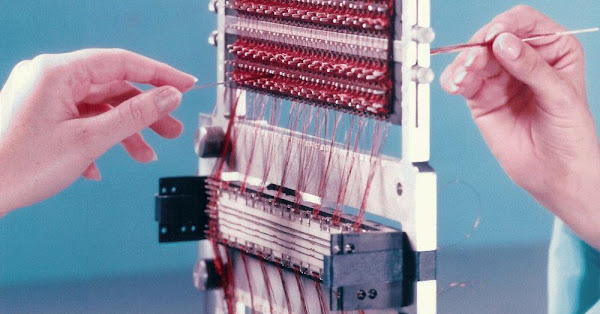
Hundreds of women sit on both sides of long workbenches, guiding copper wire thinner than a strand of hair through tiny magnetic cores. Through the core means 1; around it means 0.
What are they doing? With their hands, one bit at a time, they are weaving a program into hardware.
This is the Apollo Guidance Computer’s Core Rope Memory—72 KB of read-only storage containing all the software that will guide astronauts to the Moon. Each core carries 192 sense wires. Every module takes eight weeks to weave by hand. Half a mile of copper wire must be placed with exacting accuracy.
Engineers call the technique “LOL”—Little Old Ladies. Margaret Hamilton, who supervises software development, is known as the “Rope Mother.”
Three Generations of the “Impossible”
Imagine those Raytheon workers traveling through time and watching you write code in VS Code:
“Wait… you mean you only have to type, and the program is written? No threading copper wire? No weaving magnetic cores? No placing every bit into hardware by hand? How can that be possible?”
They cannot understand it because, in their world, programming = physical labor.
GPT-5.4, released in March 2026, scored 75.0% on OpenAI’s published OSWorld-Verified evaluation. Desktop operation is moving from experimental demonstrations into a native capability of general-purpose models.
Claude Code directs AI through a terminal. GPT-5.4 Computer Use reads the screen, clicks the mouse, and types on the keyboard. Claude in Chrome navigates a browser autonomously.
Human is leaving the loop.
Now imagine someone in 2040 looking back at us in 2025:
“Wait… you mean people used to write code by hand? One letter at a time? They debugged it themselves? Ran the tests themselves? Even learned something called a ‘programming language’? How can that be possible? It sounds like weaving binary by hand.”
Three Disappearances of the Operator
-
1960s LOL rope-memory weavers → replaced by compilers and keyboards
-
Programmer Operators → being replaced by AI Agents
-
AI Operators → to be replaced by fully autonomous Agents
Each disappearance follows the same pattern:
-
A new operating method appears—compilers, AI Agents, autonomous Agents.
-
The previous Operator’s craft moves from “required knowledge” to an unbelievable old technique.
-
The new Operator feels difficult to replace—until the next disappearance.
What We Can Do
If the Operator’s role keeps shrinking, what should we do now?
Do not become the last generation of Operators. Become the first generation of Architects.
Technology changes, tools change, and the Operator’s responsibilities change with them. Yet the people who understand how systems work and design how systems should work have remained from the 1960s through 2026.
| Operator—shrinking scope | Architect—expanding scope | |
|---|---|---|
| Core ability | Write code, debug, deploy | Design systems, define acceptance criteria, build Agent toolchains |
| Relationship with AI | Human directs, AI executes | Human defines the goal; AI plans and executes autonomously |
| Automation | Increasing | Still depends on business, technical, and AI understanding |
| Analogy | A 1960s terminal operator | A 1960s systems architect |
Three practical directions:
-
Understand Agent mechanics
-
Once you know Claude Code is a while loop plus API calls, you can design better Agents.
-
Once you know context is scarce, you can write more efficient CLAUDE.md files and Skills.
-
-
Move from writing code to writing Specs
-
Spec-Driven Development describes what to build and how to verify it.
-
Let the Agent decide how to do it—already a Claude Code best practice.
-
-
Build the Agent ecosystem
-
Design tools for AI.
-
Write Skills that package domain knowledge into capabilities AI can reuse.
-
These become reusable assets for the AI era.
-
In the 1960s, people sat at terminals and operated machines. More than sixty years of technical accumulation produced Claude Code. In 2026, Claude Code began changing the Operator role in turn. The process continues, and the age of agents is still in its early stages.
Claude Code Since 1960. Operator Until 2026.
References
Official
Reverse engineering
GPT-5.4 & Computer Use