A 1983 terminal, its ANSI lineage, and a modern RS-232 revival
Open a modern terminal and a small piece of the 1970s is still at work.
In the macOS Terminal window below, it has a name: vt100.
What once identified a box on a desk now tells software how to talk to a screen.
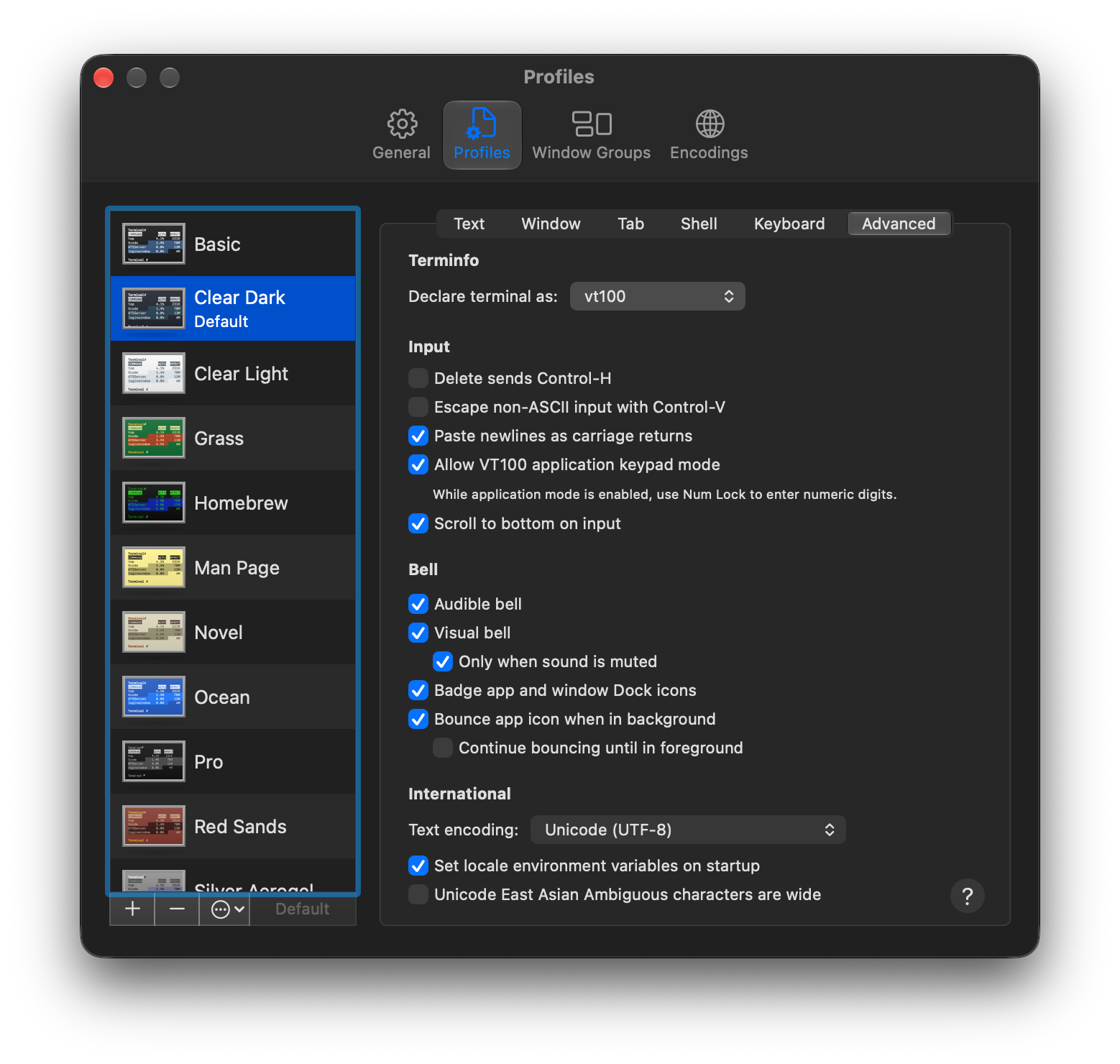
The terminal declares that name through TERM.
Programs use it to look up how to move the cursor, clear a line, or turn text into inverse video.
The glass, phosphor, and serial cable can disappear; the conventions survive as long as software still speaks them.
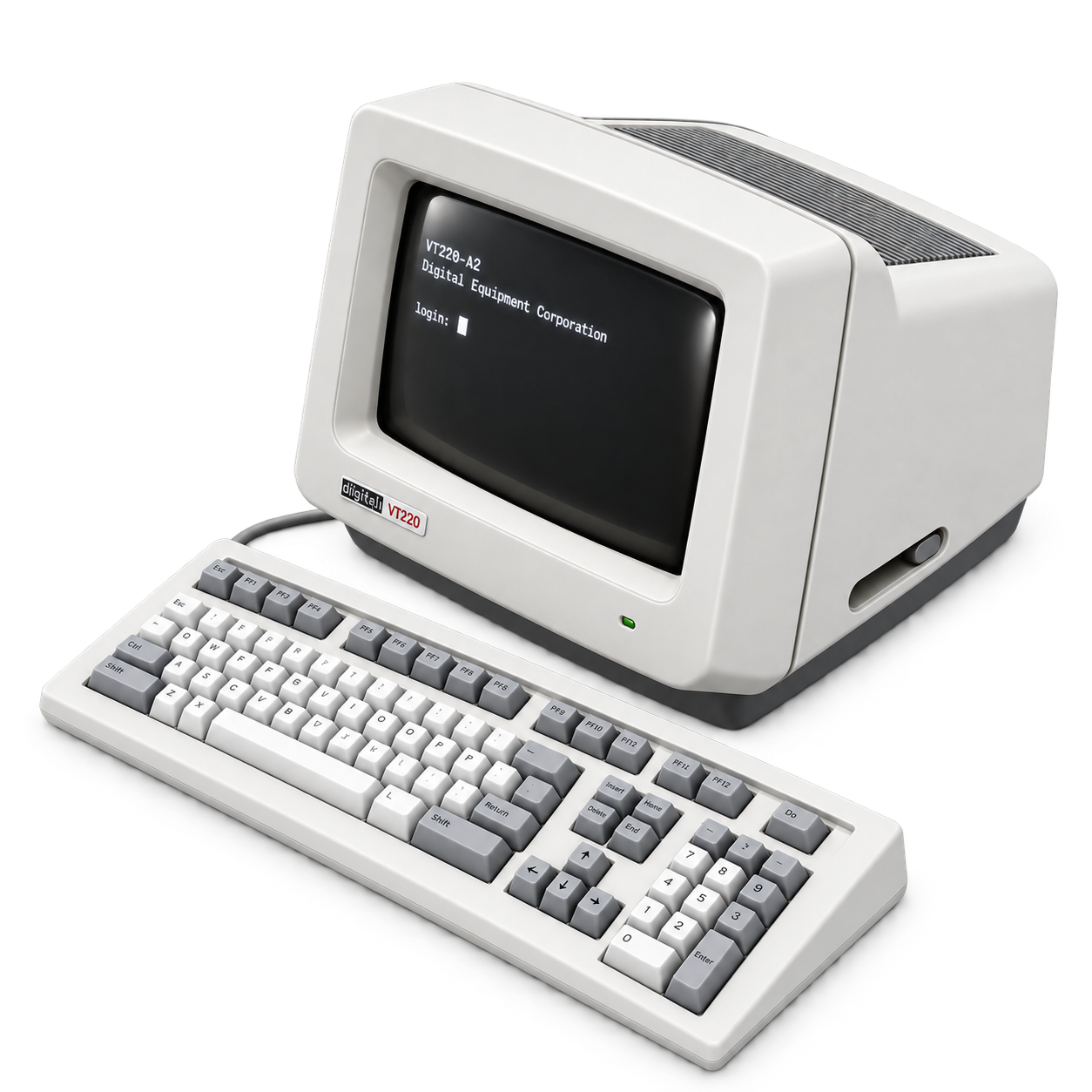
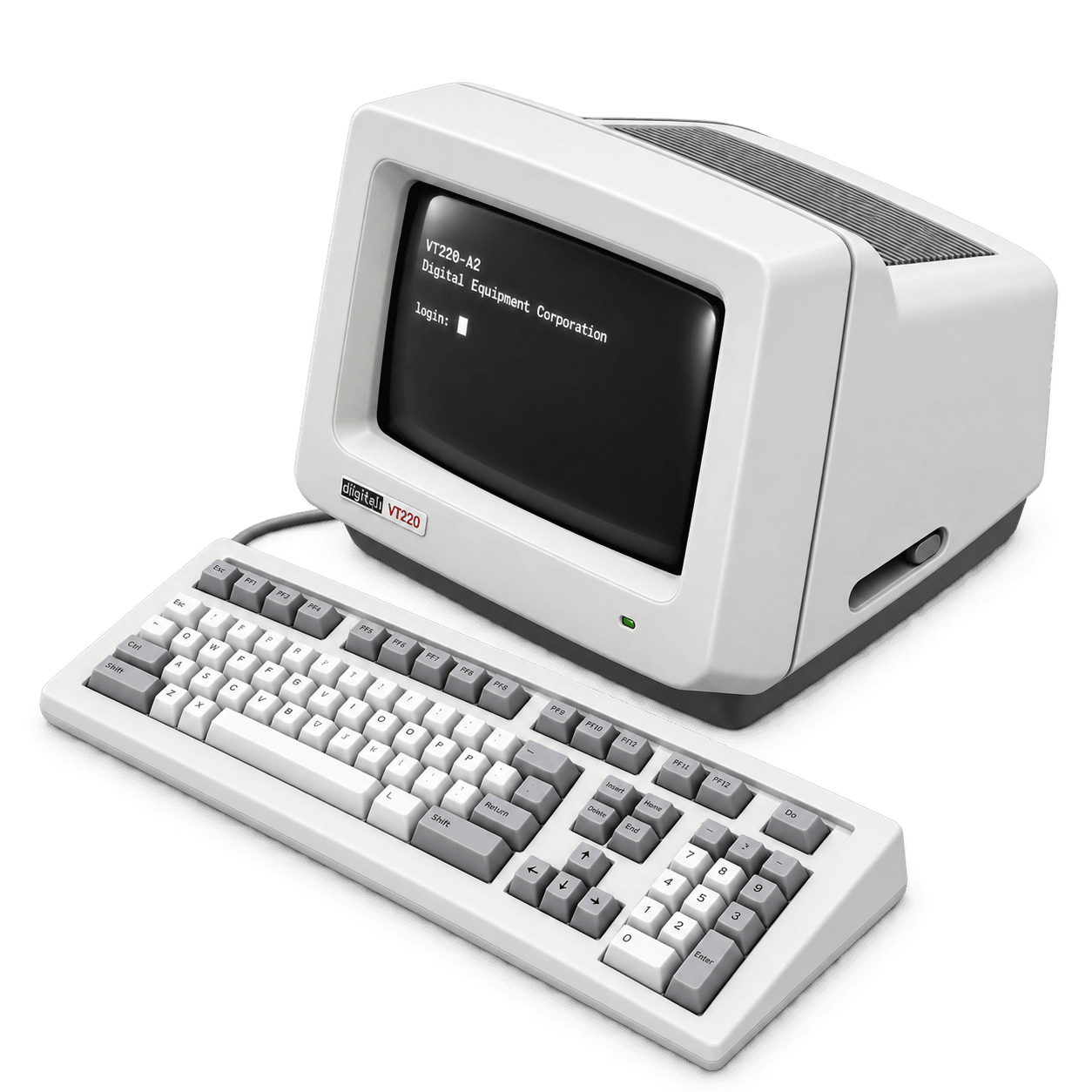
The VT220, introduced in 1983, came from a time when those conventions still arrived inside a physical machine. It kept compatibility with VT100 software and added character sets, keyboard functions, and display controls.
Click the screen to move closer. Esc returns to Overview. Text display only; no commands are executed.
Loading model…
Switch views to explore the case, or click the screen and type. This model displays your text; it does not connect to a host or run commands.
The one on my desk
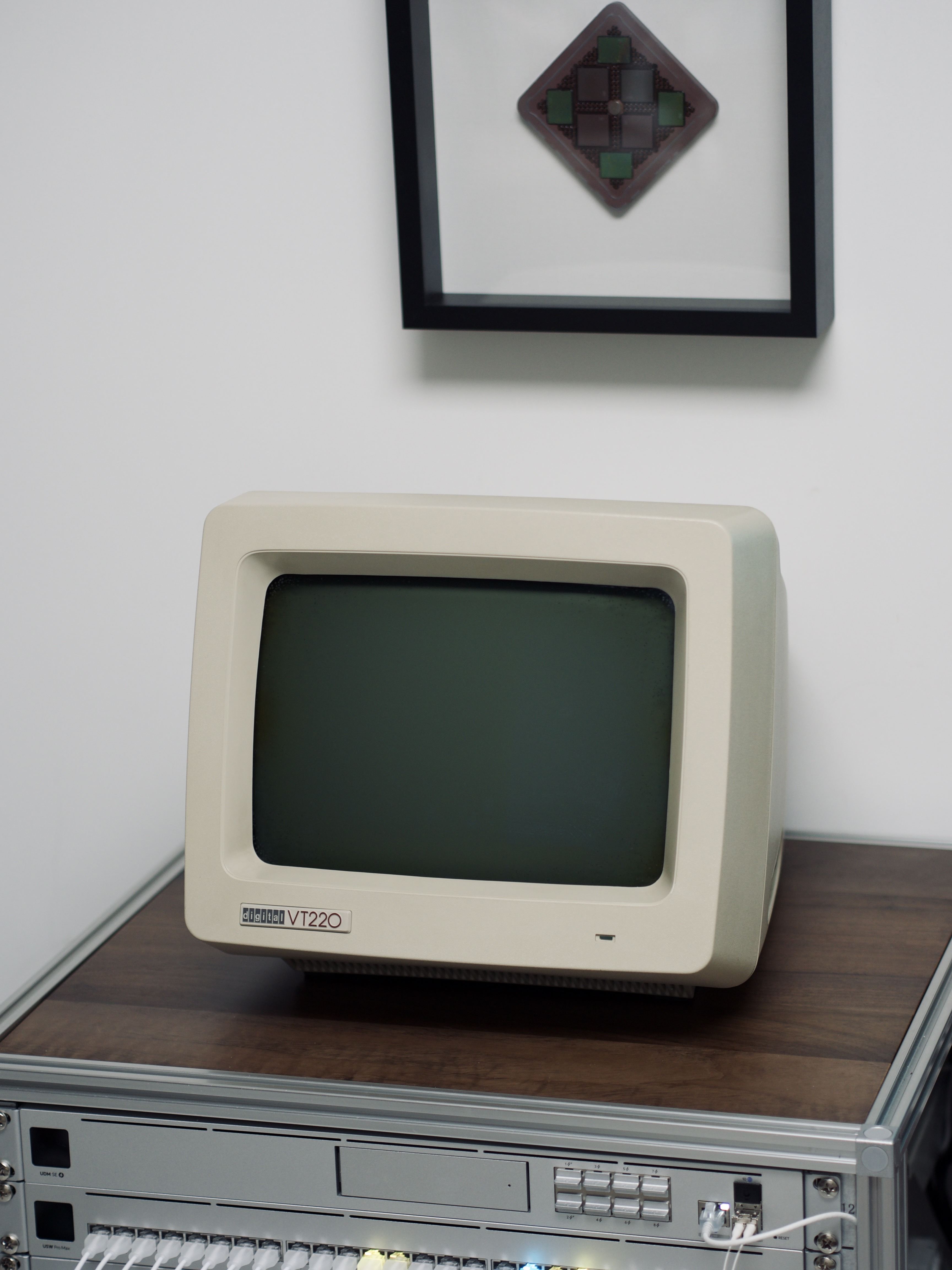
Mine is a VT220-A2, with a white-phosphor screen. The wedge-shaped case follows the depth of the CRT, while the separate LK201 keyboard sits low on the desk. The LK201 groups function keys, editing keys, and a numeric keypad around the main typing area.
VT220 screens came in white, amber, and green phosphor variants, identified by the model suffix. I used white text in the model above to match my A2.
To put this machine back to work, I connected it to a Linux host through a USB-to-RS-232 adapter. Programs run on Linux; the VT220 sends it keystrokes and displays the bytes it sends back.
From VT100 to VT220
Before terminal emulators were windows on a desktop, a terminal was often a replacement for paper. DEC's VT05 appeared in 1970; the VT52 followed in 1975. Software needed to know each terminal's control language to move the cursor or clear the display.
The VT100 arrived in 1978 with DEC's implementation of ANSI-style terminal controls.
Software adopted those controls, and Unix terminal descriptions and later emulators kept supporting them.
That compatibility is why vt100 still appears in the settings window above.
By 1983, the VT220 had to preserve that software compatibility while making the terminal more compact and expanding its text capabilities. It belonged to the VT200 family alongside the VT240 and VT241, which also supported graphics.
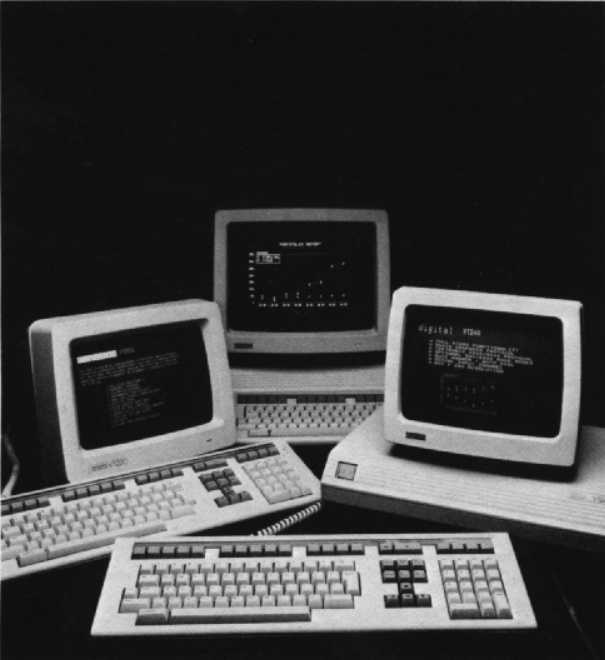
The VT220 displayed text in 24 rows of 80 or 132 columns, with controls for positioning and styling characters. Its additional character sets helped it serve different languages, while compatibility modes kept older software usable.
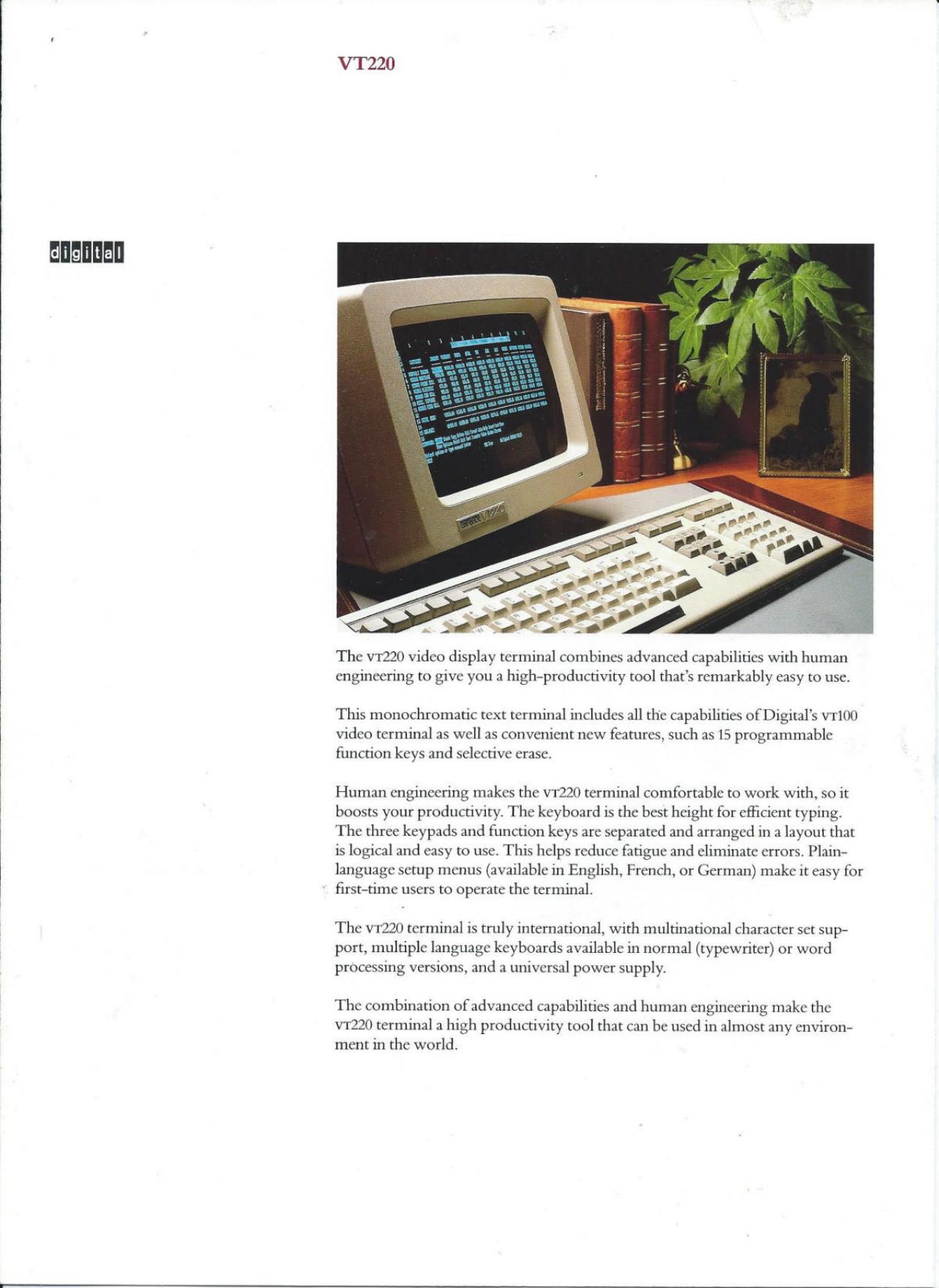
DEC's brochure puts the detached keyboard, function keys, multilingual support, and VT100 compatibility together as features of an office tool. They belong together: the machine had to fit a desk, handle repeated typing, and work with applications already in use.
Inside the wedge
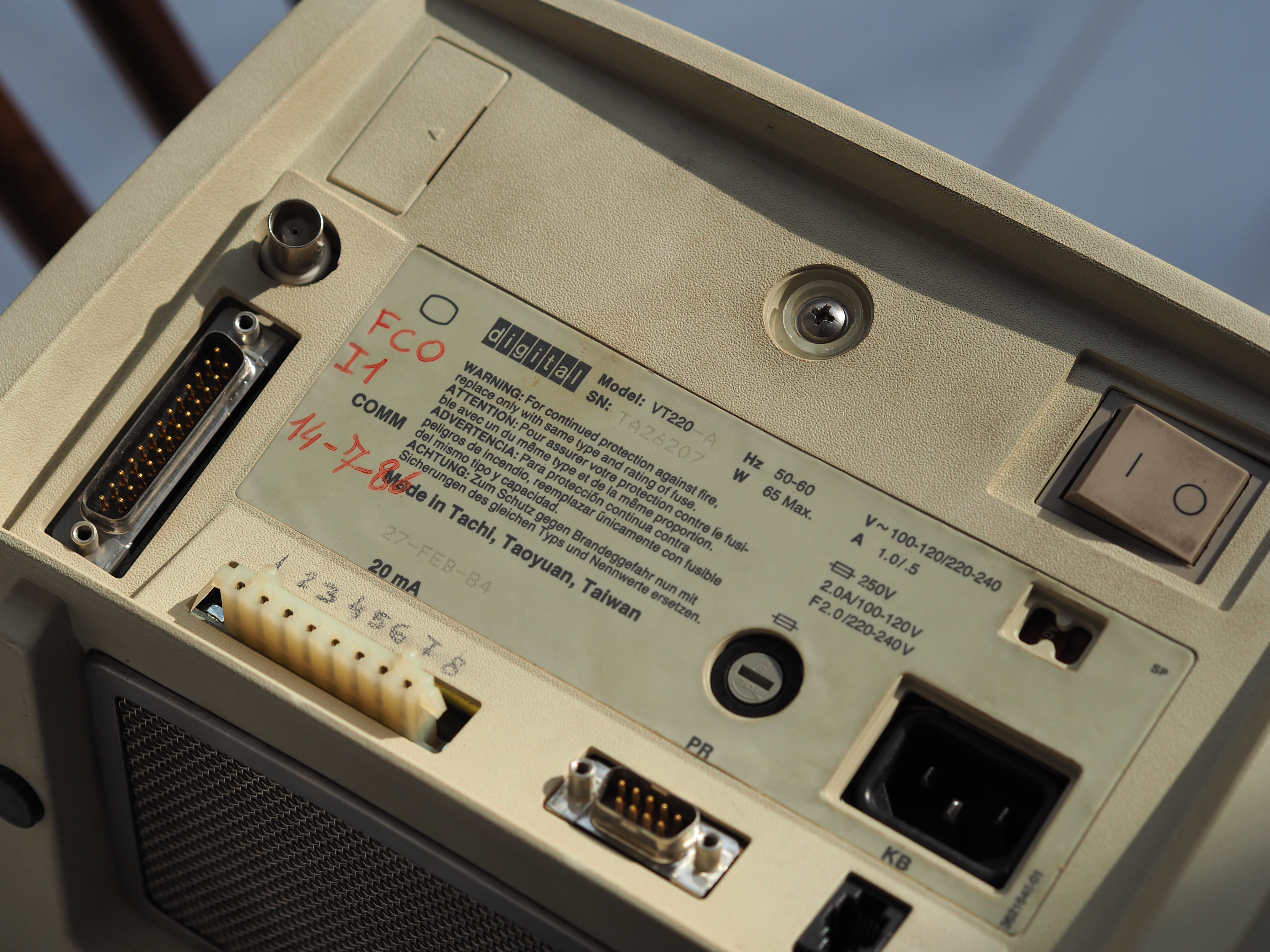
The CRT extends back into the case. The display and its power circuitry take up much of the space inside.
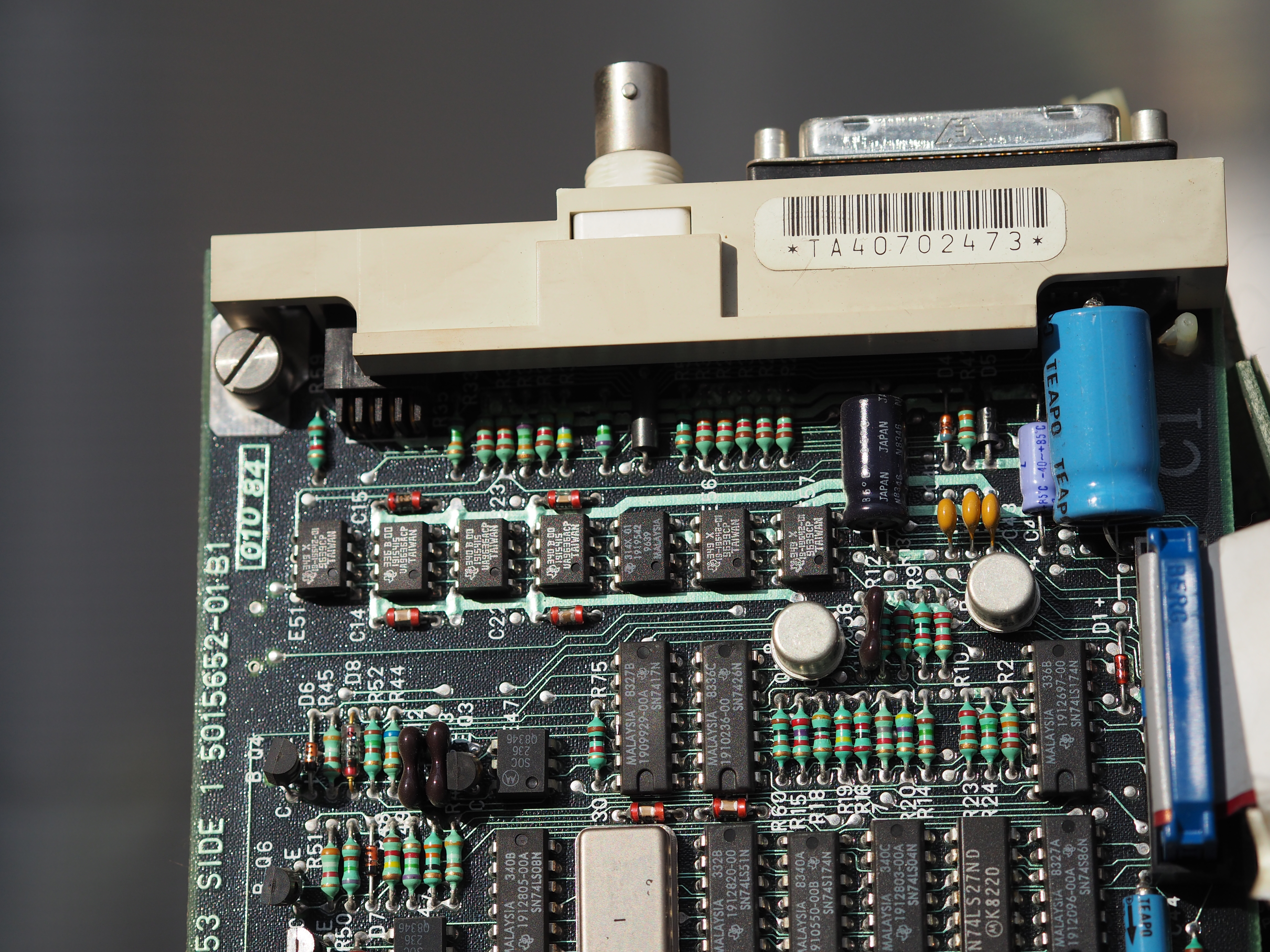
The electronics and firmware handle the characters: interpreting incoming bytes, updating the display, and reading the keyboard. The terminal also stores settings such as baud rate and operating mode. It needs a connected host to run a shell and supply a command prompt.
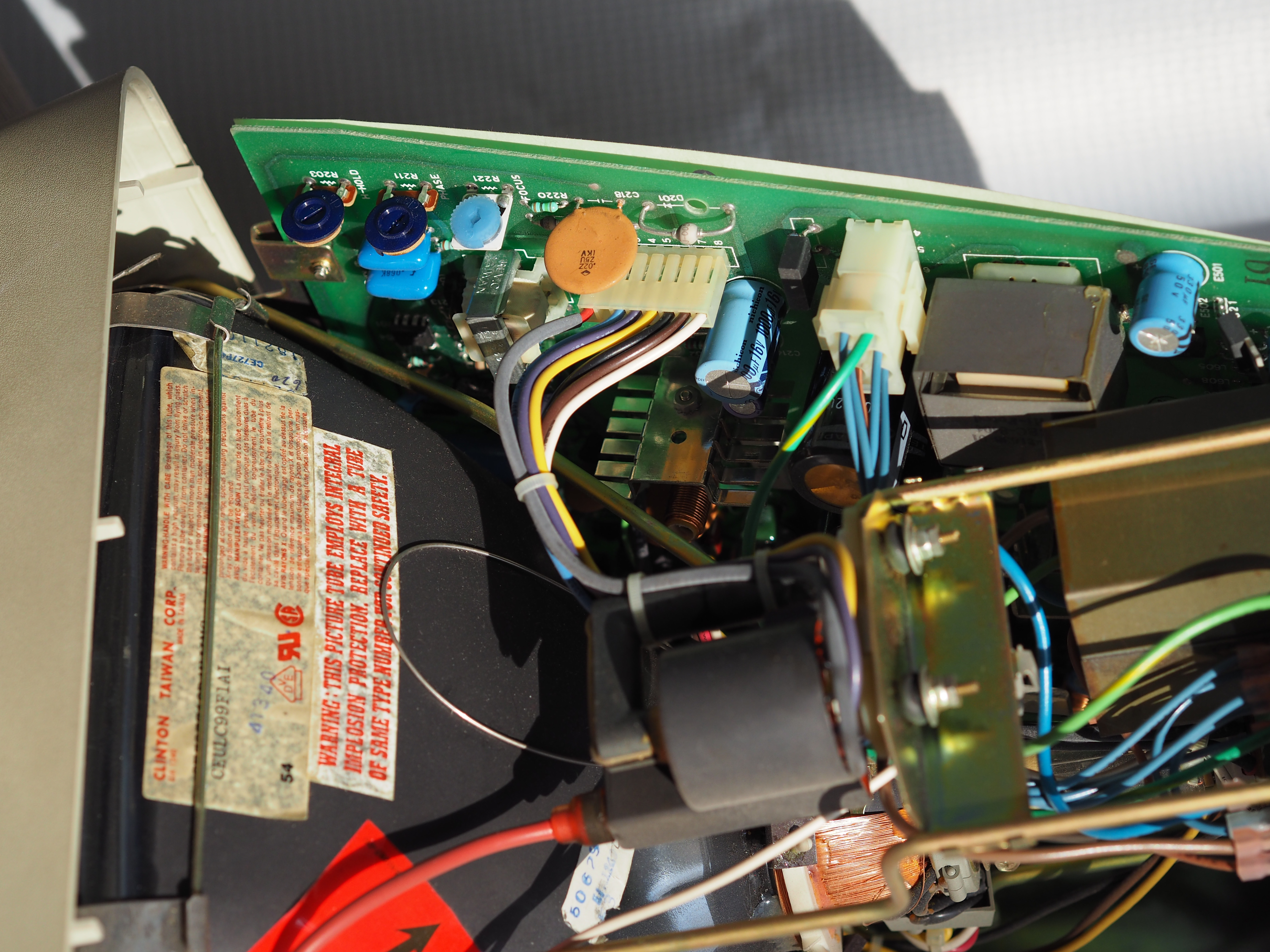
I connected the rear DB25 RS-232 host port to a Linux USB-to-RS-232 adapter through a null-modem cable.
Connecting it
Electrical levels
RS-232 uses positive and negative signal voltages. An idle transmit line sits at a negative voltage relative to signal ground. A 0–3.3 V UART uses different electrical levels; matching the baud rate does not make it an RS-232 interface.
Scope
MODE
|TEST
FRAME
|BYTE
0xA5
TX
RX
STDATA
Switch between RS-232 and TTL in the scope to compare the voltages for the same byte. Both ends of the cable need compatible electrical interfaces before the software settings can help.
Crossing transmit and receive
The terminal and the host-side serial adapter are both DTE endpoints in this setup. A null-modem connection sends each end's transmit signal to the other end's receive signal and joins their signal grounds.
| VT220 DB25 | Host adapter DB9 | Connection |
|---|---|---|
| 2 — TXD | 2 — RXD | Terminal to host |
| 3 — RXD | 3 — TXD | Host to terminal |
| 7 — signal ground | 5 — signal ground | Shared reference |
DB25 pin 2 is TXD, but DB9 pin 2 is RXD. The numbers match even though the signals cross. Check the signal names as well as the pin numbers when testing a cable. This three-wire arrangement uses no hardware flow control.
Agreeing on a character
I used 9600 8N1: 9600 baud, eight data bits, no parity bit, and one stop bit. Both ends must agree on those settings to interpret the same waveform as the same byte.
Framing
byte
0xA5
8N1
0101001011
7E1
0101001011
7O1
0101001001
Change the byte in the diagram to see which data bits change. The start bit marks the beginning of a character; any parity bit and the stop bit follow the data. If the screen stays silent, check the wiring. If characters arrive but are unreadable, check that the framing settings match.
Setting the terminal
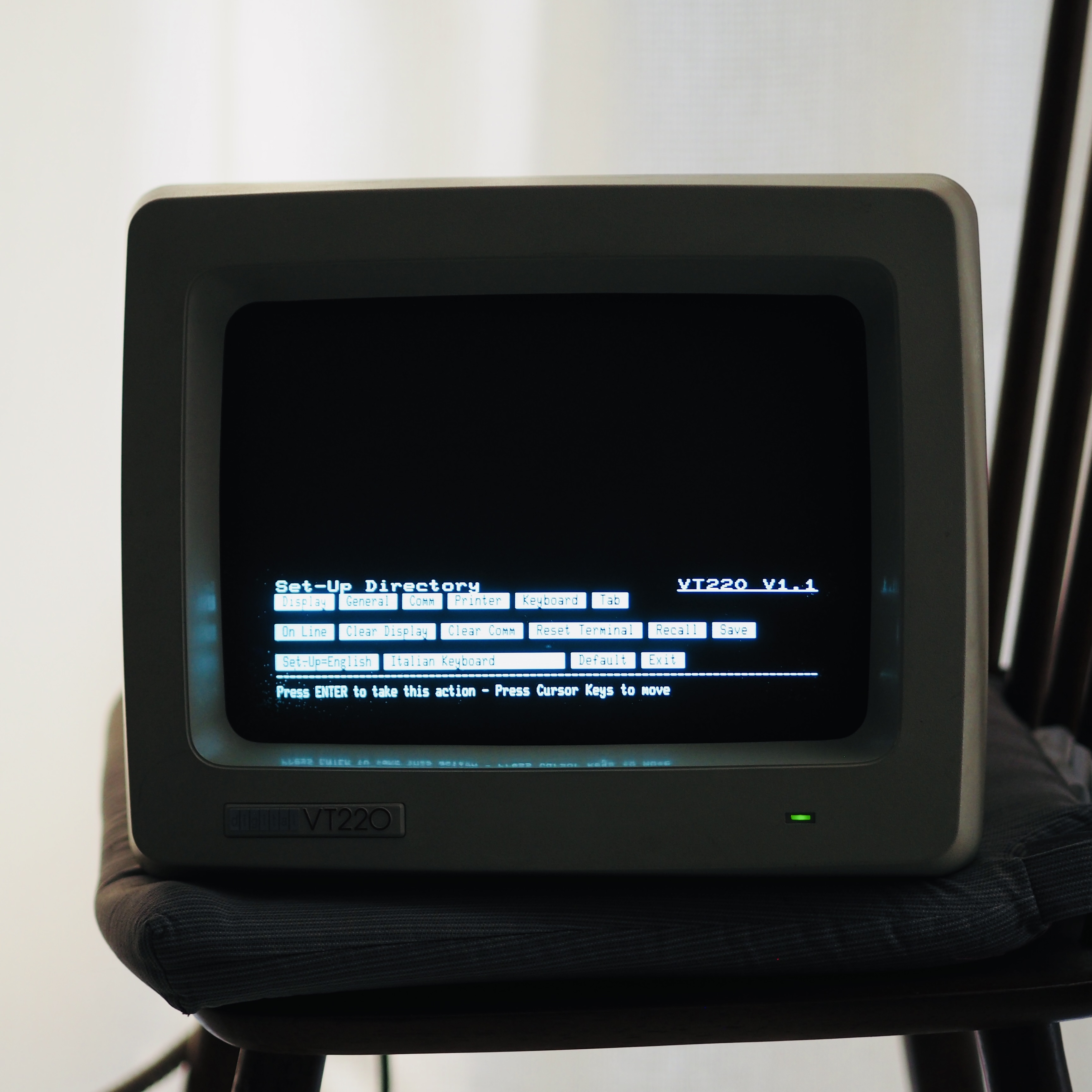
The VT220's Setup screen holds its side of the connection: speed, character format, local echo, flow control, and operating mode. Those settings live in the terminal, independently of Linux. For this connection, I matched the terminal and host to 9600 8N1 with flow control disabled.
Operating mode is a separate choice from serial framing. The VT220 offers VT200 modes with 7-bit or 8-bit controls, plus VT100 and VT52 compatibility modes. “7-bit controls” describes how control sequences are encoded; it does not by itself mean the serial link must use seven data bits. The selected mode and the host's terminal description need to describe compatible behavior.
Getting a login prompt
I started with minicom, using /dev/ttyUSB0, 9600 8N1, and flow control off.
With minicom open, text sent from Linux should appear on the VT220, and keys pressed on the VT220 should appear in minicom.
Check both directions. Seeing your keystrokes through local echo alone does not confirm that they crossed the cable.
Once both directions worked, I closed minicom and switched to getty. Close the terminal program before starting the login service so they do not compete for the serial port.
My final setup used serial-getty@ttyUSB0, with the speed forced to 9600 and the terminal type set to vt220.
Getty supplies the login prompt and starts the login process on the Linux side.
After login, the host still runs the shell; the VT220 supplies its keyboard and display.
The serial settings determine how bytes cross the wire; TERM=vt220 tells applications which screen controls to send.
Turning bytes into a screen
Ordinary text fills character cells. Control sequences let the host move the cursor, erase part of the display, or change how subsequent characters appear. A full-screen interface is built from those operations.
Use the tabs above the model to clear its screen, move the cursor, and change text attributes. On the physical terminal, those sequences change the cursor position and text attributes used for subsequent characters.
Here are the sequences I use most often. ESC means the escape byte, written as \x1b in code.
| Operation | Sequence |
|---|---|
| Reset text attributes | ESC[0m |
| Normal screen video | ESC[?5l |
| Hide / show cursor | ESC[?25l / ESC[?25h |
| Clear screen and move home | ESC[2J followed by ESC[H |
| Move to row and column | ESC[{r};{c}H |
| Erase from cursor to end of line | ESC[K |
| Bold / underline / blink / inverse | ESC[1m / ESC[4m / ESC[5m / ESC[7m |
| Double-height line, top / bottom | ESC#3 / ESC#4 |
| Double-width / normal-size line | ESC#6 / ESC#5 |
My display code starts by resetting attributes, selecting normal video, hiding the cursor, clearing the screen, and moving home. For later updates, moving to a changed line and erasing its remainder avoids clearing the whole display on every refresh.
The vt100 setting at the top of this page names the controls a modern terminal understands.
For this serial connection, Linux uses vt220 to select the controls for the machine on my desk.
References
- Digital Terminals & Printers Handbook (1983): VT200 Family of Video Terminals
- DEC VT100 User Guide: Programmer Information
- DEC VT220 Programmer Reference Manual: Terminal Overview
- DEC VT220 Technical Manual: EK-VT220-TM-001 (Nov 1984)
- DEC VT220 brochure: DEC-VT220-Terminal.pdf
- DEC terminal lineage: Richard Shuford's DEC Terminals
- DEC video terminal family notes: Meet the Family
- Maynard Historical Society artifact record: VT220 Computer Terminal
- Computer History Museum artifact record: One Millionth VT220 Terminal
- RS-232: RS-232
- Null modem: Null modem